
Watch the workaround instruction video (Trust Staff Only)
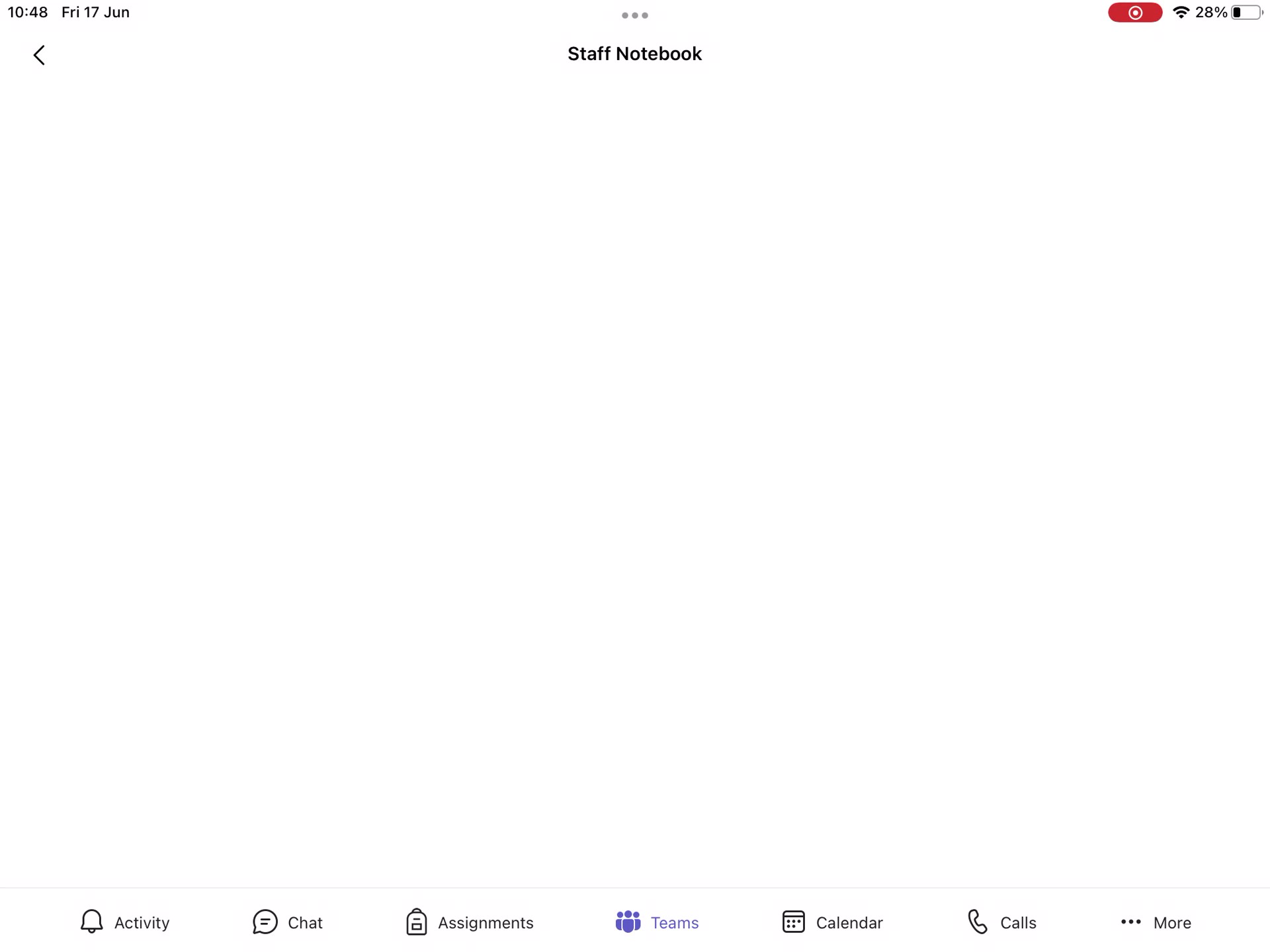
We have identified an issue with the iOS version of Teams whereby it doesn't seem to open OneNote notebooks which are associated with the Team.
Opening a Team within the app and going to 'More', you would usually tap on the associated notebook (if there is one) which opens the OneNote app and straight into that notebook.
Currently however, for some users, it does not open the OneNote app and Teams just sits there with a blank screen doing nothing.
We are investigating the issue and it has also been reported to Microsoft.
As an alternative, please go to https://onenote.com in a browser and the user should see the notebooks to which they have access on here via the 'Class Notebooks' tab at the top.

Comments
0 comments
Please sign in to leave a comment.