
There's no indicator on the pencil it's self to show what the battery life is like, you can however get this information on your iPad, to do this:
- Press the Home button on your iPad (The physical button on the side or button depending on how you are holding the iPad) to get to the home screen
- Swipe from left to right until you see a Search bar, you should something similar to this bit probably without the battery information

- Scroll down to the bottom and select Edit

- Now scroll through the list of widgets until you see Batteries
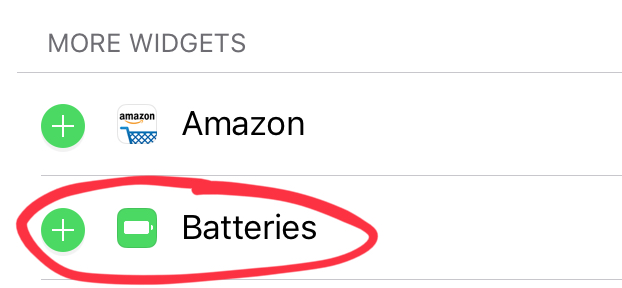
- Press the green plus
- This should move it up a little and put a red minus sign next to it
- At the moment this will appear at the bottom of your widgets, it's probably worth having it at the top so to the far right of the word batteries are 3 lines, press and hold with your finger these three lines
- Drag Batteries to the top of the list
- Press the blue Done button in the top right
- You should new see a battery indicator for your pencil and your iPad
Comments
0 comments
Please sign in to leave a comment.