
Activate Microsoft Office 365
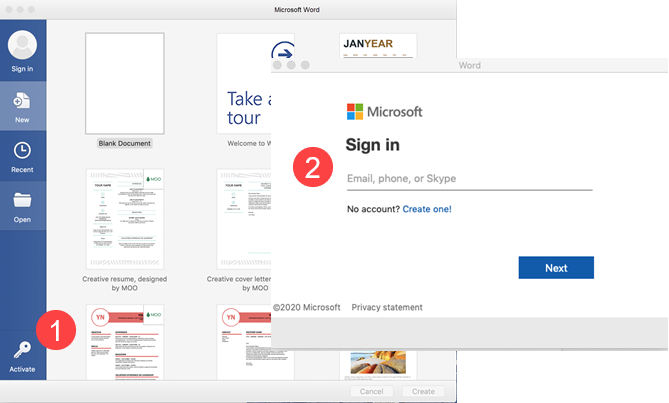
- Open a Microsoft Office application such as Word, Excel, or PowerPoint, and then click Activate.
- Sign in with your full email address (example@catrust.co.uk), and then click Next.
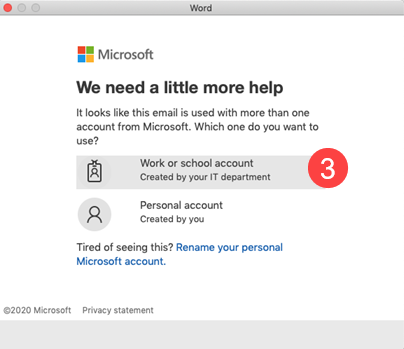
- Select Work or school account.
- Enter your password.
- Complete Two-Factor authentication.
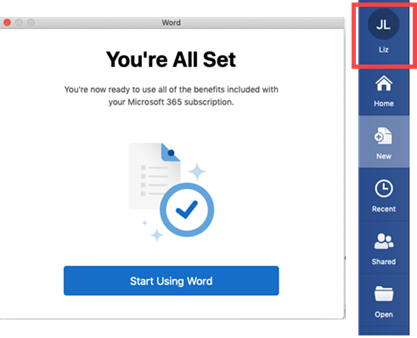
- Microsoft Office 365 is now activated, and you will see that you are signed in to the application. You will also be automatically signed in to all other Microsoft Office applications.
Comments
0 comments
Please sign in to leave a comment.