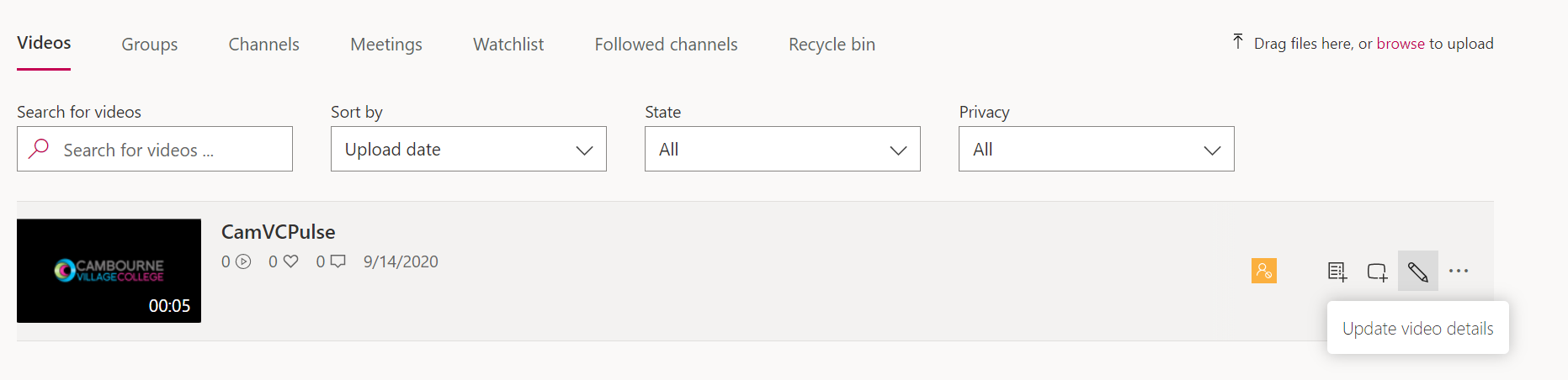
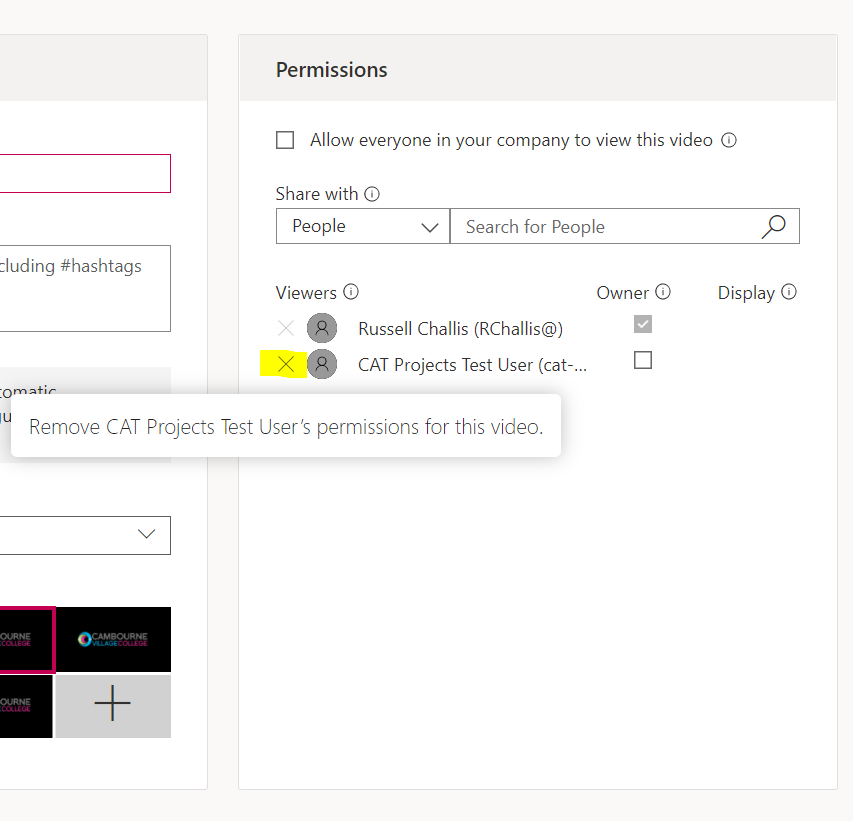
Removing access to a video Russell Challis September 14, 2020 12:07 Navigate to https://web.microsoftstream.com/studio/videos Locate the video you would like to change the properties of Click the Pencil In the permission section, click the "X" next to the user/group you would like to remove access for. Click "Apply" Comments 0 comments Article is closed for comments.

Comments
0 comments
Article is closed for comments.