
Please follow these instructions to login to the ipad to receive staff level internet access. You will need to do this every day if the higher level of access is needed. (youtube, shopping, gmail app, facebook ect)
- Open the Lightspeed Smoothwall app or in a web browser go to http://proxy/iclogin

- Login in with your network username and password
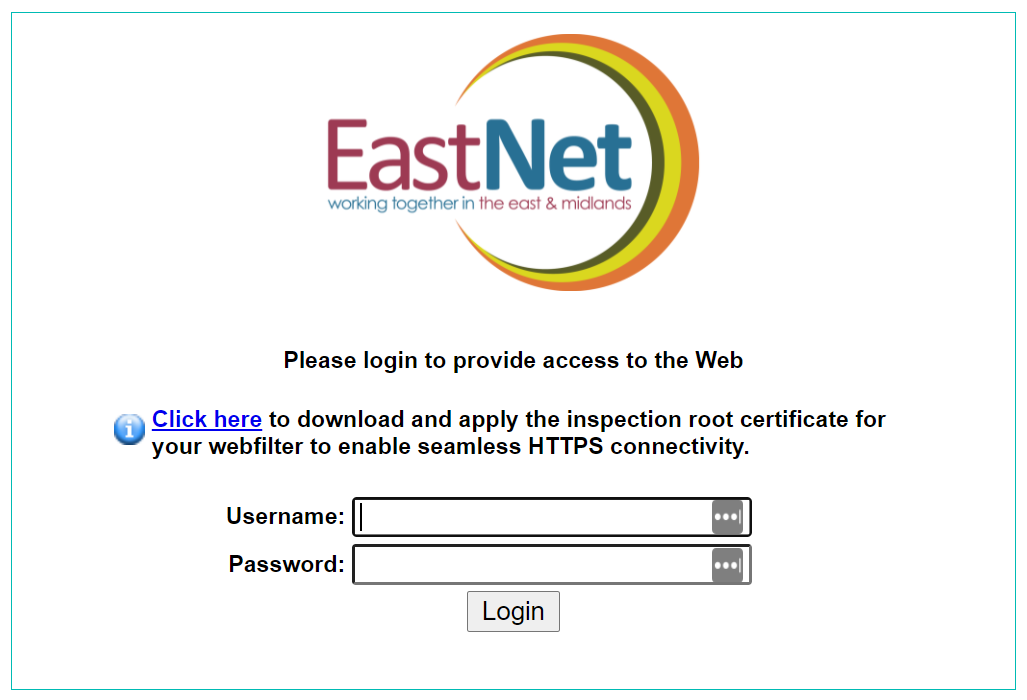
- You will now have access to staff level internet access for the rest of the day.
Comments
0 comments
Article is closed for comments.