
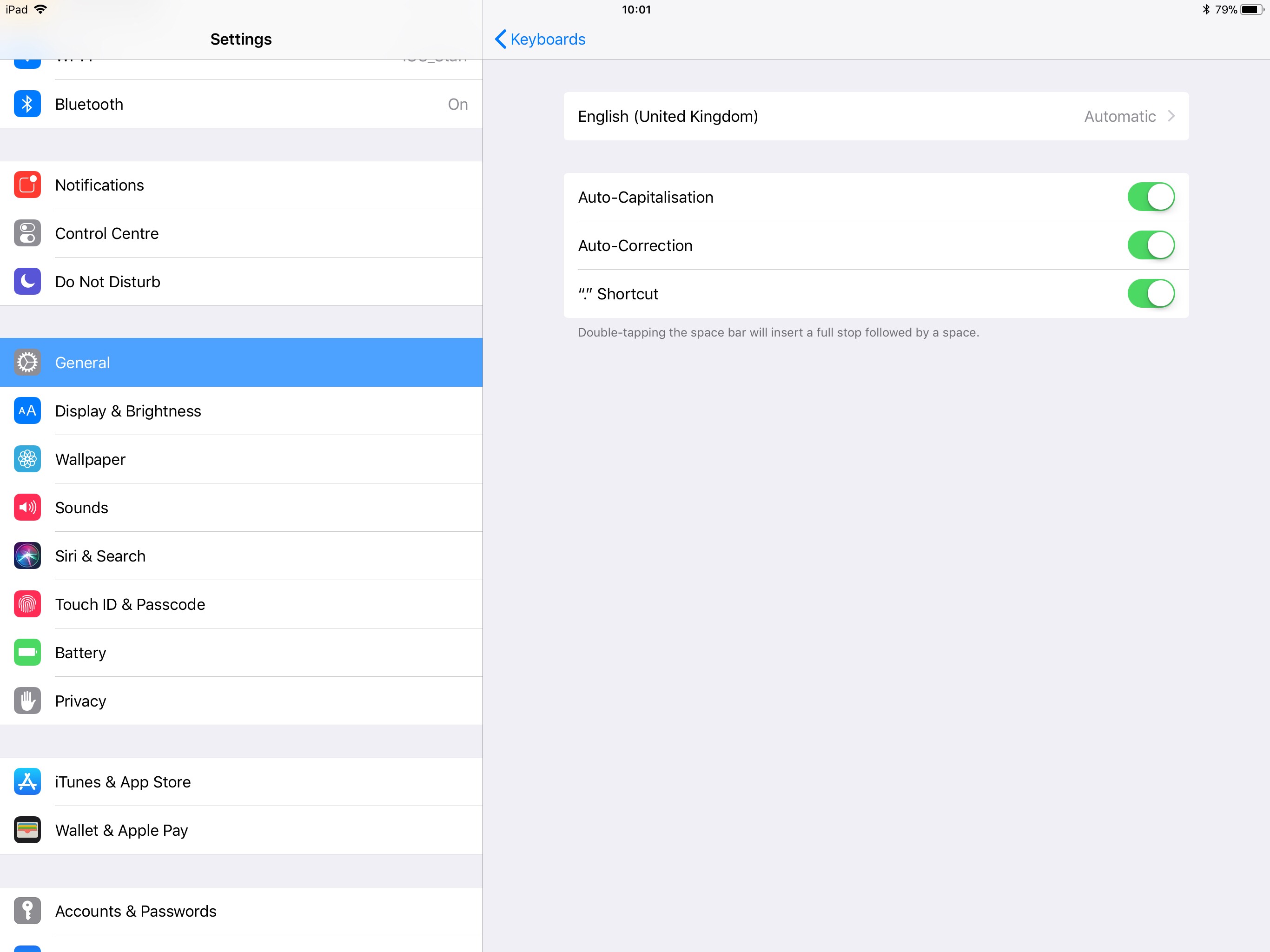
For iPad PRO you also need to enter the "Hardware Keyboard" sub-menu.
- Open Settings and look for General. At this point click Keyboard.
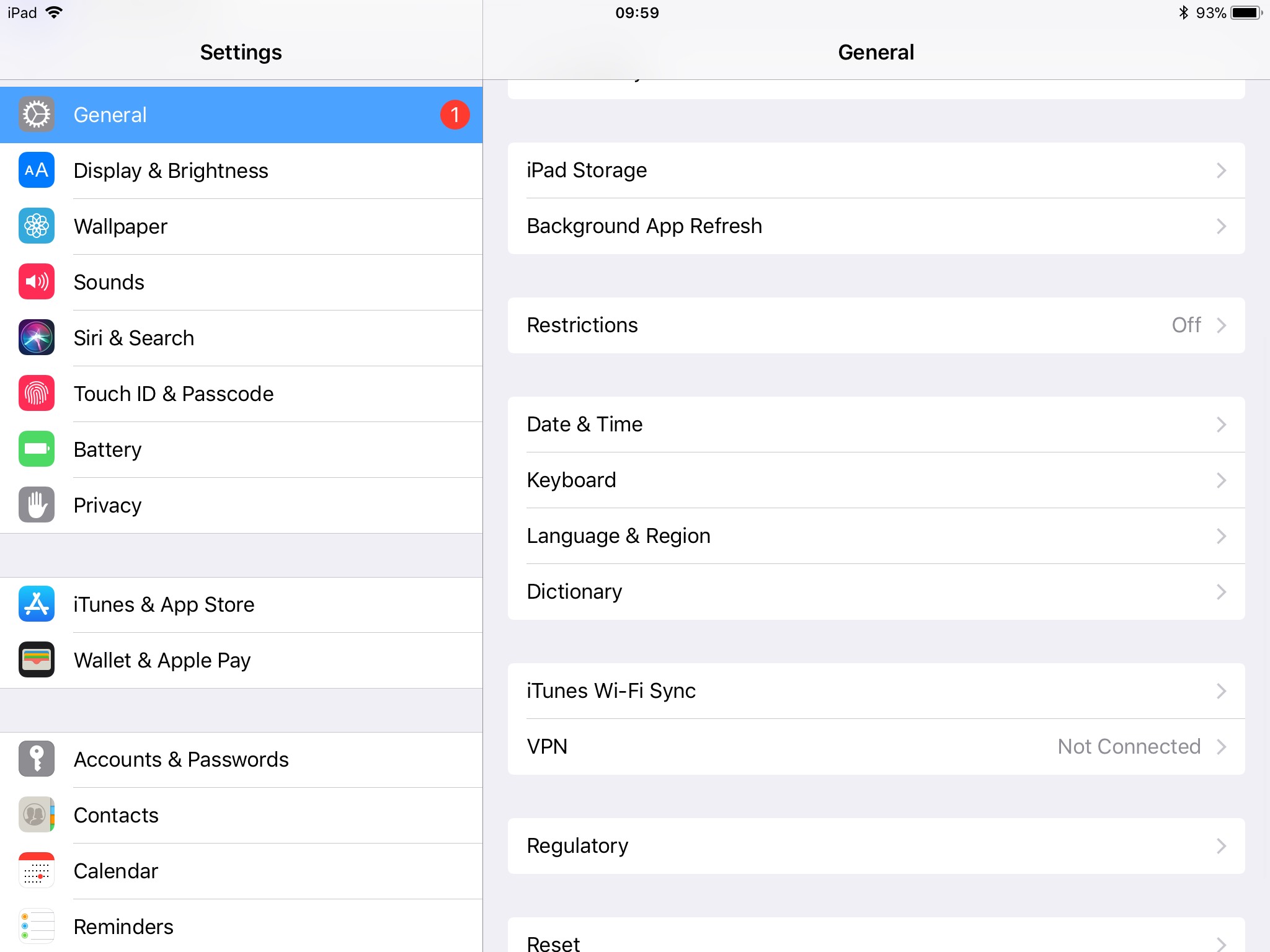
- This screen will vary depending on if you are using an iPad or iPad PRO. To disable Auto-Capitalisation on an iPad switch the "Auto-Capitalisation" switch to the left. For iPad PRO click this switch but also navigate to "Hardware Keyboard"
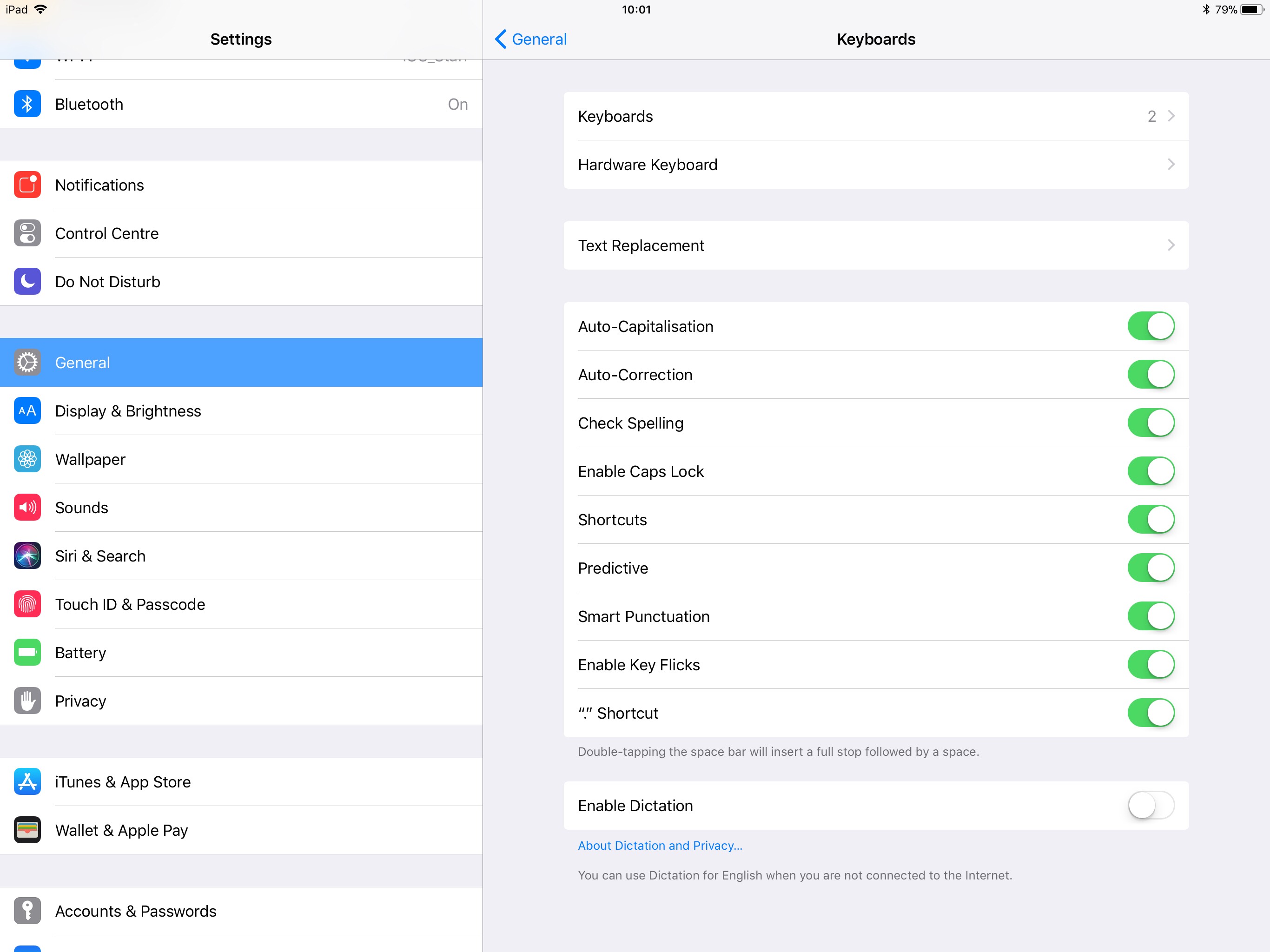
- Click the "Auto-Capitalisation" switch.
Comments
0 comments
Article is closed for comments.