
iCloud is used to backup your files on your iPad, backup your iPad and store any work/data you have created on your iPad.
Please note that this is not the same location as OneDrive which is used for all Office data
If you are on a school PC the easiest way to access your iCloud data is via a web browser:
- Open a web browser on a PC
- Browse to https://www.icloud.com
- Enter your school email address
- After clicking on the right point arrow to the right of your email address you should be presented with a screen like this

- Click on Continue
- You should be presented with a window like this
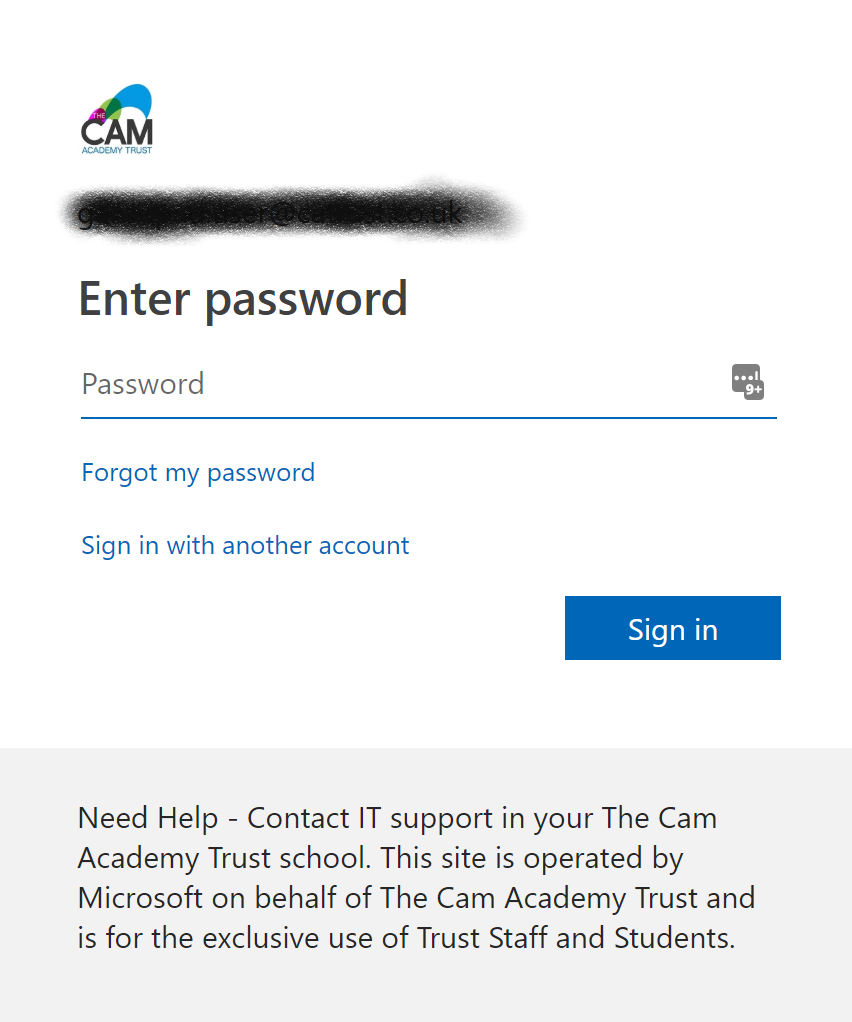
- Enter your normal school password
- Click on Sign in
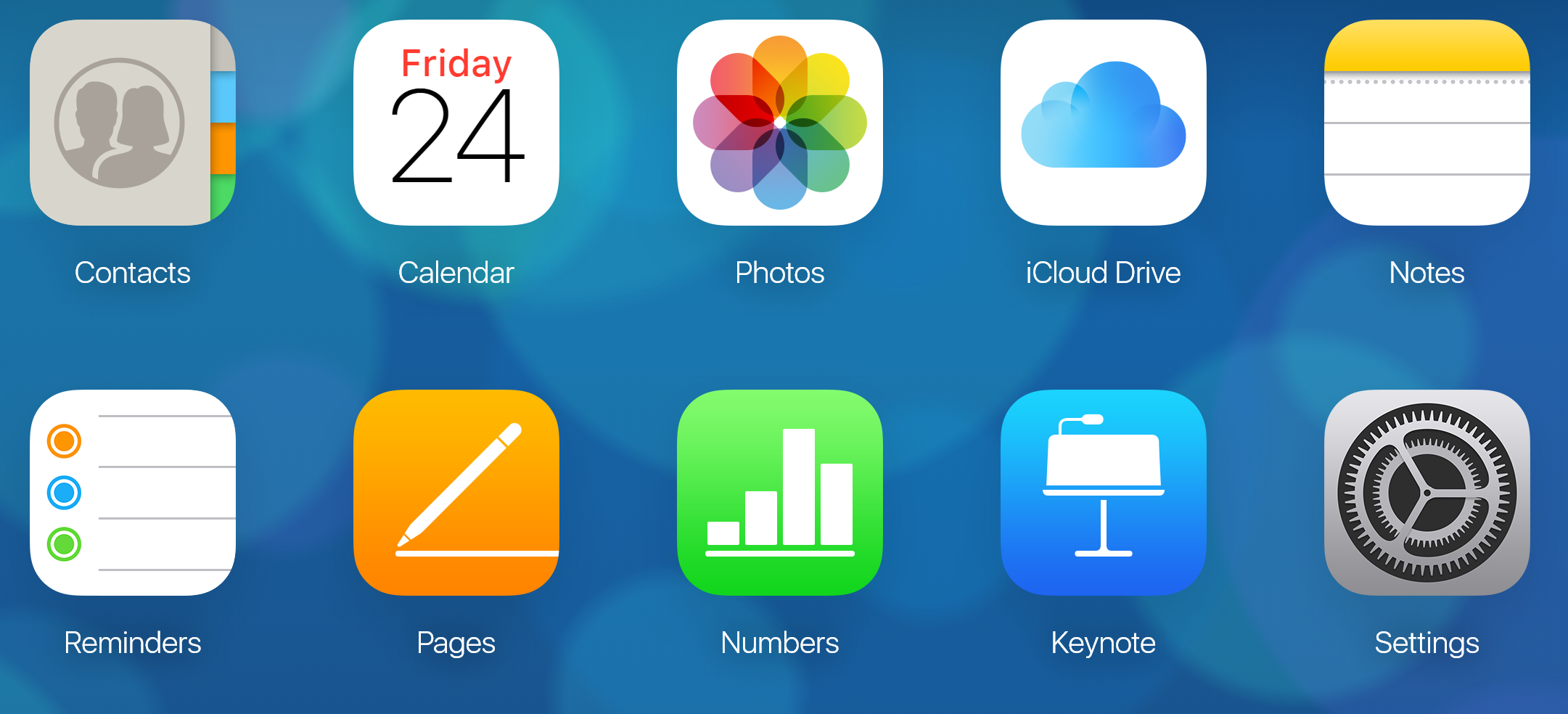
- Assuming it's signed in correctly you should be presented with the below window
Comments
0 comments
Please sign in to leave a comment.