
If you have used (and we recommend you do so as to get the benefits of 200GB iCloud Storage) your school email address and password to log into your iPads Apple ID then you will notice that you can't now install apps from the normal Apple Store, to resolve this please follow these steps:
- First select Apple Store from your iPad desktop
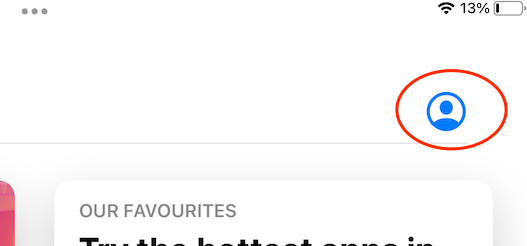
- In the top right select the icon for your account, probably looks like this:
- Select Sign Out
- Once signed out select it again and select Sign In
- Enter your own personal Apple ID
- Follow the steps and you should now be able to install personal apps
Comments
0 comments
Article is closed for comments.