
- Open Teams
- Click "Teams" and select the team you would like to create the room in.
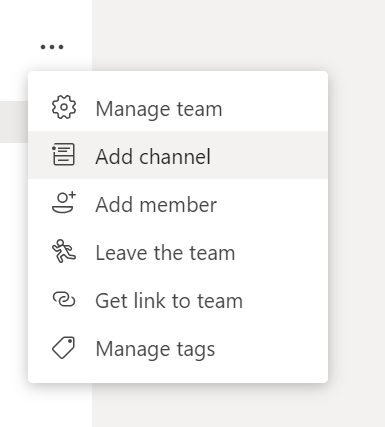
3. Click the 3 dots and click "Add Channel"
4. Repeat this for each breakout room you need.
5. In the top right of the screen click "Meet Now" and enter a subject for the meeting.
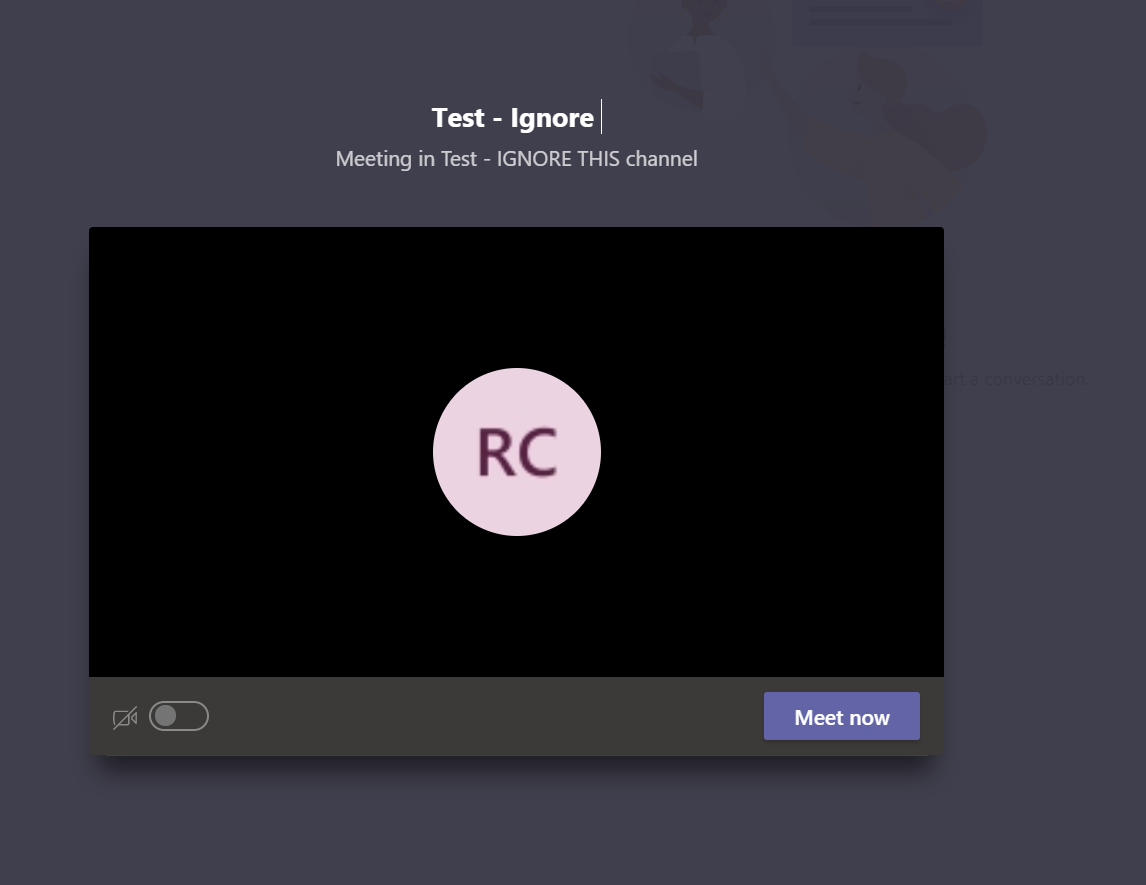
6. Click Meet Now
The breakout room meeting is now created.
Comments
0 comments
Article is closed for comments.