
By default, assignments in MS Teams are statically assigned, meaning new students are not assigned them automatically if they are added to your class after the assignment is set.
To have them added, follow these steps:
- Open the Assignment in Teams
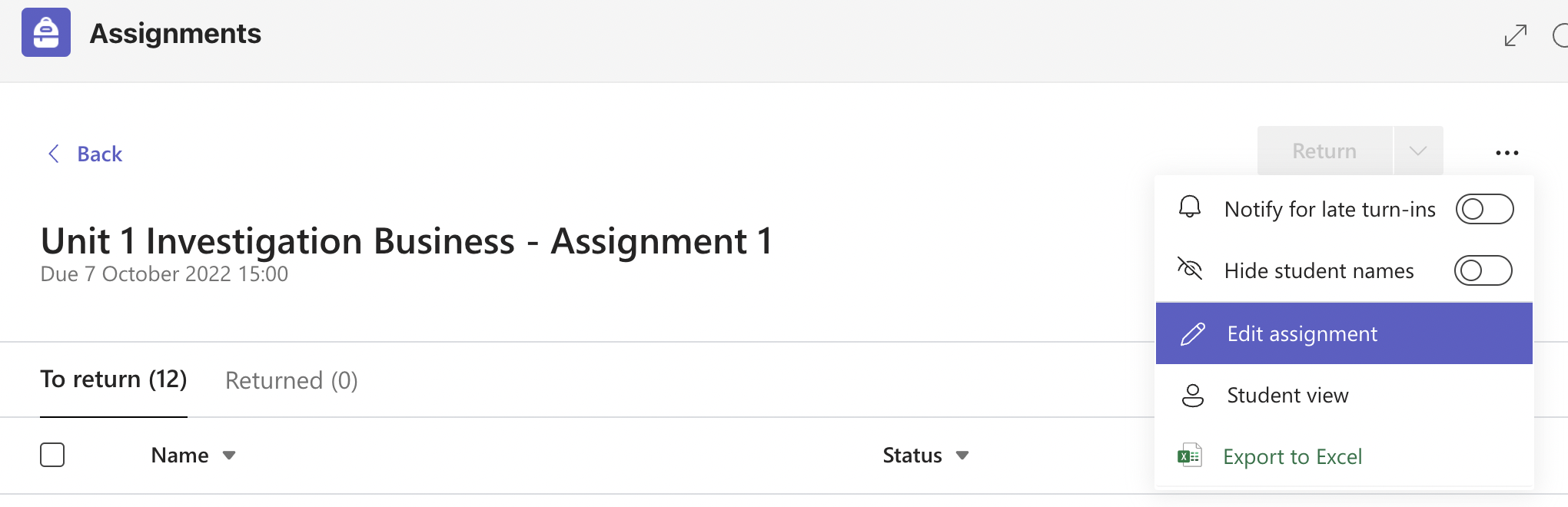
- Click the 3 dots menu and select 'Edit' assignment
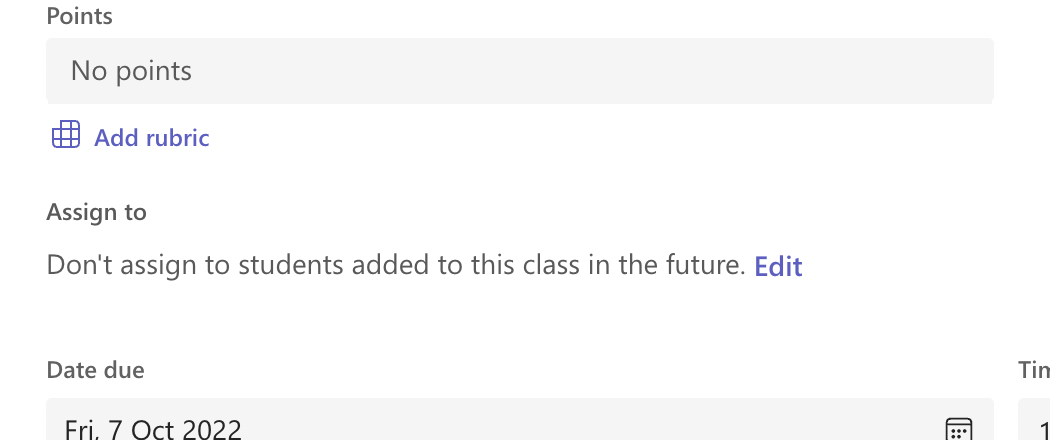
- About half way down, there is an option called 'Assign to' and the default is 'Don't assign to students added to this class in the future'
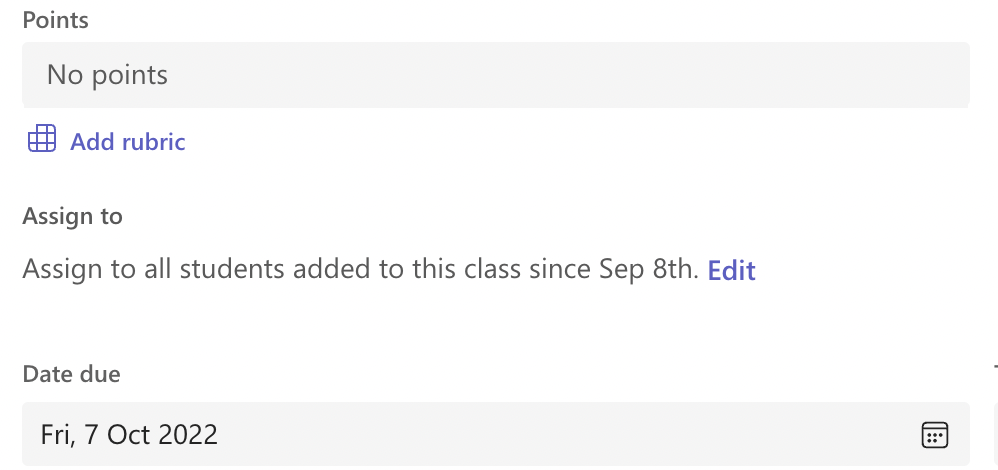
- Tap 'Edit' and change this to 'Assign to all students added to this class since [date]'
- Tap 'Done' and then 'Update'
- Your students should soon appear in the list
Comments
0 comments
Please sign in to leave a comment.