
- Open Teams
- Click "Teams" on the right side of the screen.
- Enter the team you have been asked to join.
- Look on the left side of the screen, you will see a list of channels or "Breakout rooms"
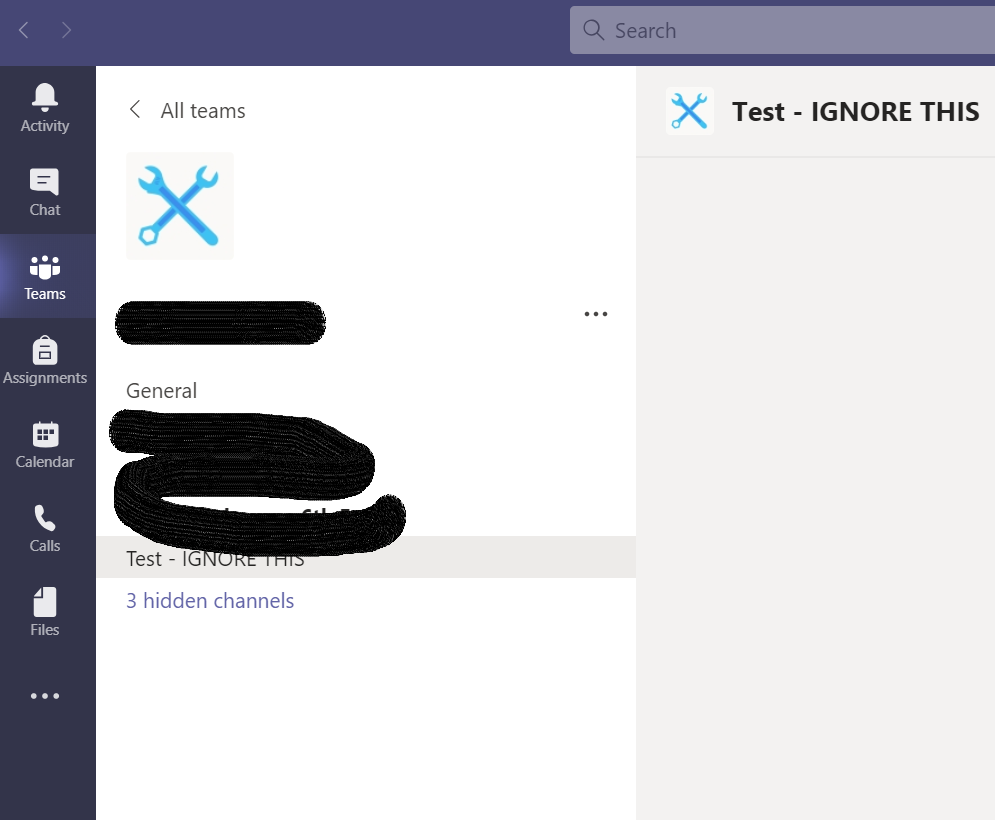
- Click on the channel you have been asked to join.
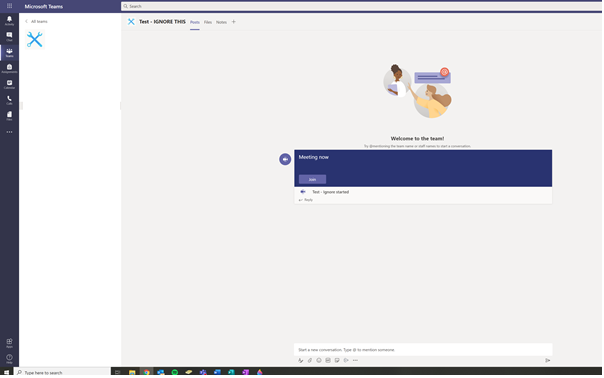
- You should now see a meeting if the host has already started the meeting. Click "Join"
Comments
0 comments
Article is closed for comments.