Skip to main content
Students: Accessing chat during a lesson on mobile devices
Russell Challis
- Join your lesson as normal
- Click the back arrow in the top right corner of the screen.
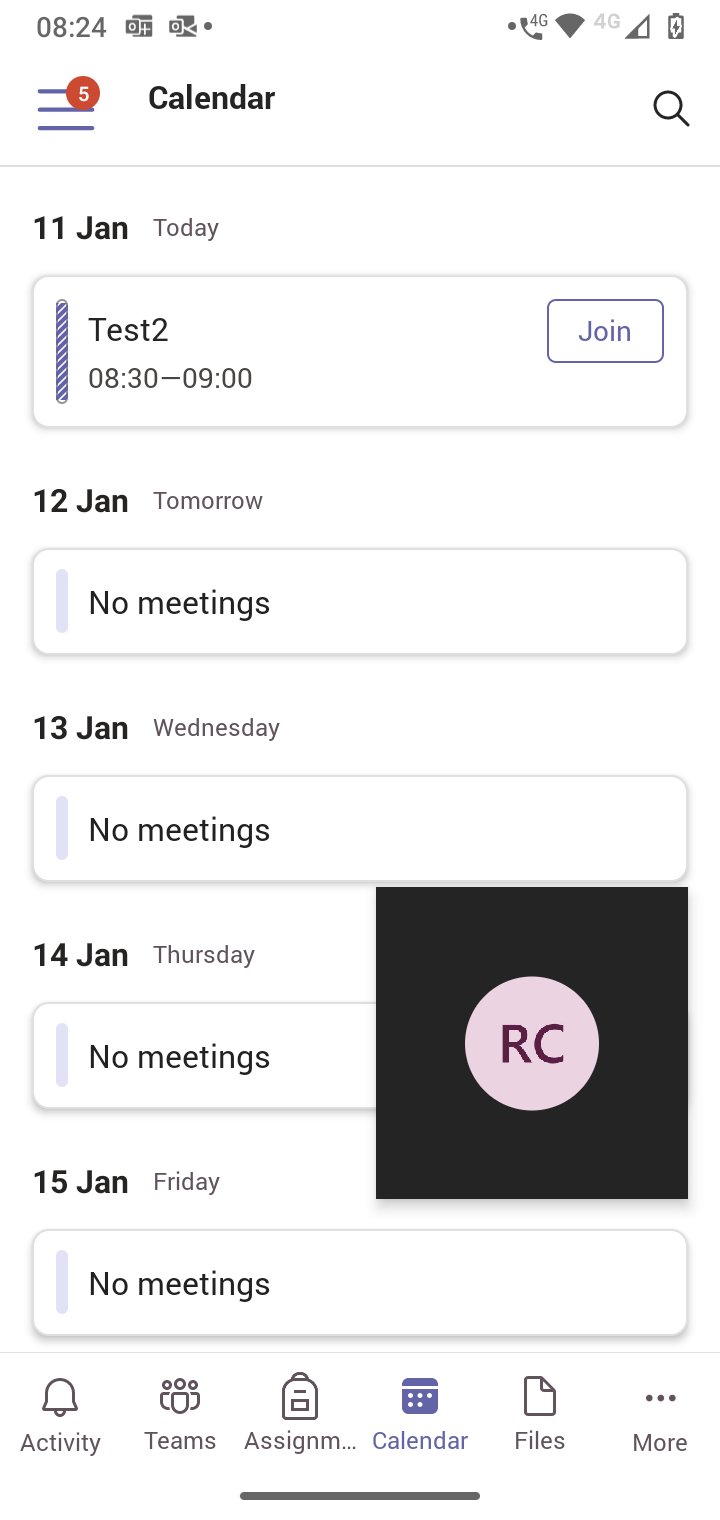
- Click "Calendar" then select your lesson (Click the text on the left hand side, not join)
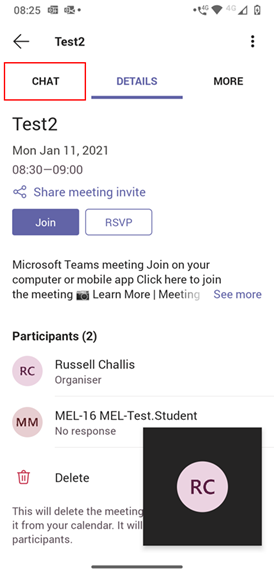
- At the top of the screen click "Chat"
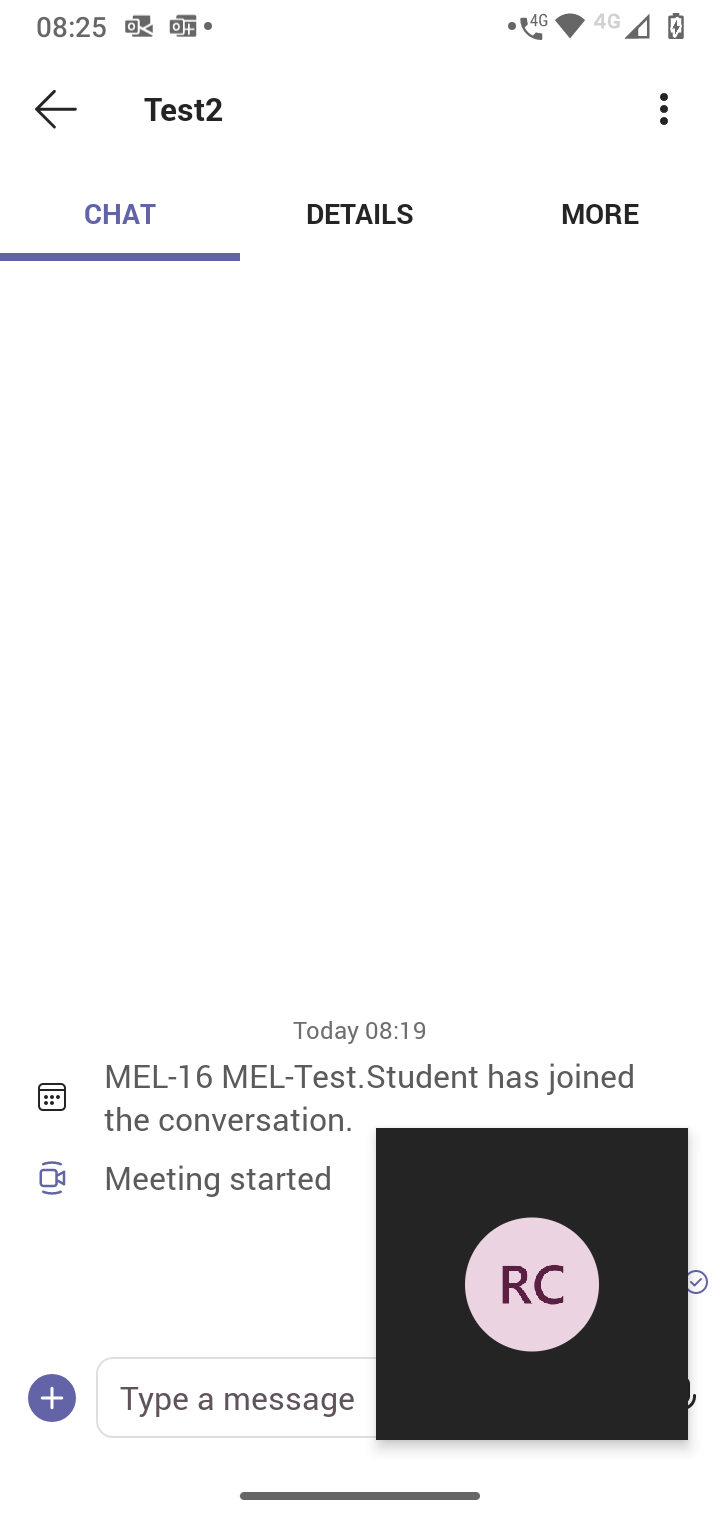
- You will now see the chat screen. To return to your lesson click your initials in the corner then click the expand symbol.

Comments
0 comments
Article is closed for comments.