
Extracted from 10 ways to make the most out of OneDrive Sync - SharePoint Maven
One thing you need to be careful about with SharePoint and OneDrive Sync is a deep folder hierarchy - i.e. folders within folders within folders...
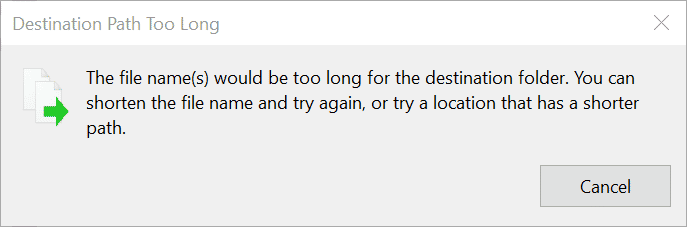
When you create all these subfolders and give your files and folders really long names, they add up to really long file paths - and the OneDrive client itself adds its own characters to the path too...

While the address path in SharePoint allows for 400 characters, in Windows, you only get 256.
Read about these limits here.
So while you might be OK in SharePoint, when you sync locally, all the hell might break loose, and you will encounter error messages.
Always keep folder depths and names to a minimum
Comments
0 comments
Please sign in to leave a comment.