
- Open OneNote 2016 on your computer
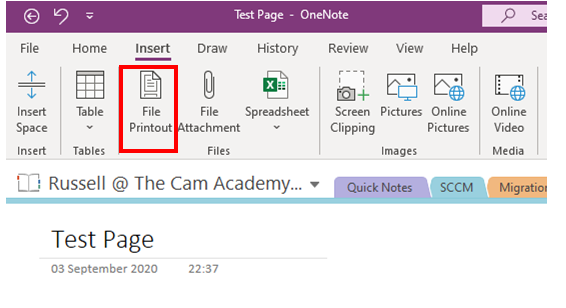
- From the toolbar select "Insert"
- Click "File Printout"
4. Using the selection box, locate and click the PDF file you would like to insert.
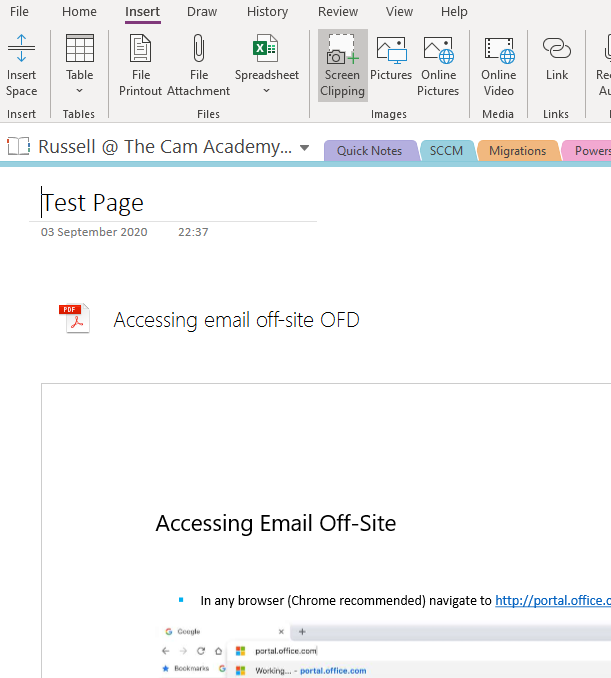
5. Allow a few seconds for OneNote to process the document, the document will then appear on the screen.
Comments
0 comments
Article is closed for comments.