
- Open OneNote 2016 on your pc.
- Navigate to the page you would like to tag.
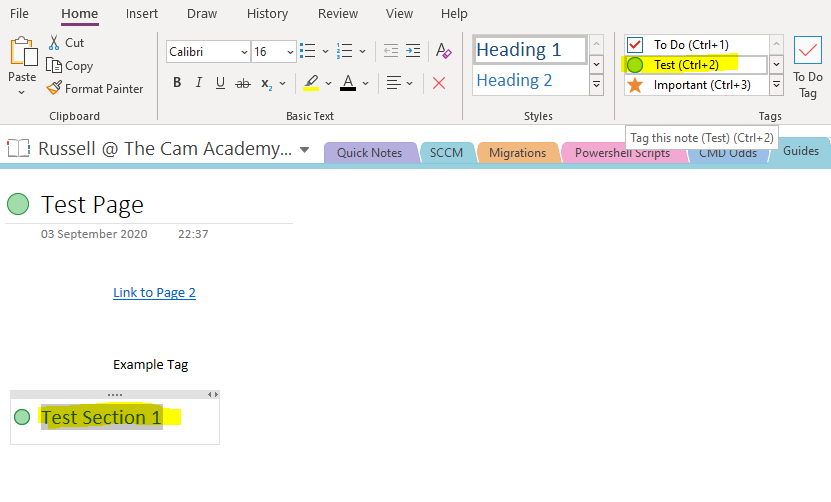
- Highlight the title of the page and select the tag you would like to apply from the toolbar.

4. To tag a specific section of a page, highlight the section title, and select the tag you would like to apply from the toolbar.
Comments
0 comments
Please sign in to leave a comment.