
How do I sync my Camera Roll to OneDrive?
Sadly as of December 2017 this is not directly possible as it is with other cloud storage (including OneDrive personal).
As a work around you can copy them to OneDrive following these steps (Ensure you have installed one OneDrive app and opened and configured it):
- Open the Photos App on your iPad
- Press Photos across the bottom (next to Memories, Shared, Albums)
- Press Select in the top right
- Select the Photos/Videos/Content you want to copy to OneDrive
- Press the button in the top left that looks like a box with an arrow pointing up
- Press the more button to the right of a selection of apps that may already include Message, Mail, Add to Notes etc
- Scroll through the Activities list to find OneDrive
- Slide the slider to the right of OneDrive so it's Green
- Press Done, up to the right
- Select OneDrive from the Apps list where it should now show
- It should pop up a new window looking like this
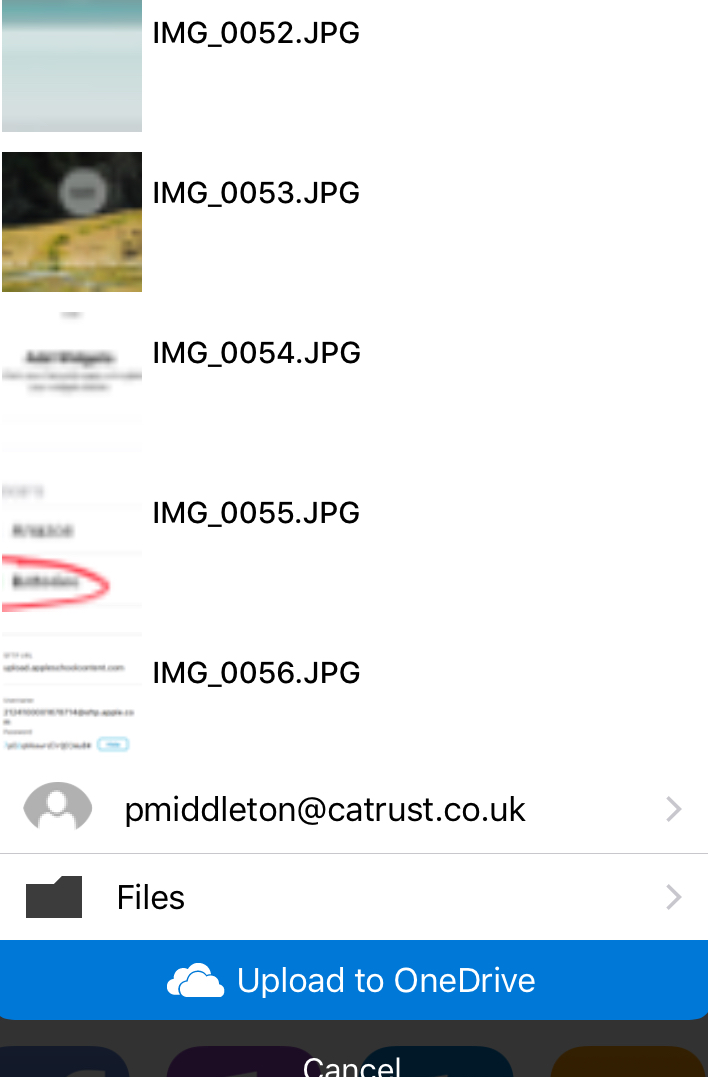
- You could just press Upload to OneDrive here but it'll just drop it into the route folder of OneDrive, instead Press Files and browse to a folder you want to put these file
- Then Press Upload Here
Comments
0 comments
Please sign in to leave a comment.