
Firstly, we recommend using the Outlook App (which you can get through the self service) as this search's the Address Book much better.
By default the search facility in the Apple Mail app only searches contacts on your phone for email addresses, this is mainly because there are now over 5000 users in our Office 365 and there could be multiple people with the same name, making the search quiet tricky.
To find a specific person in school to email please follow these steps:
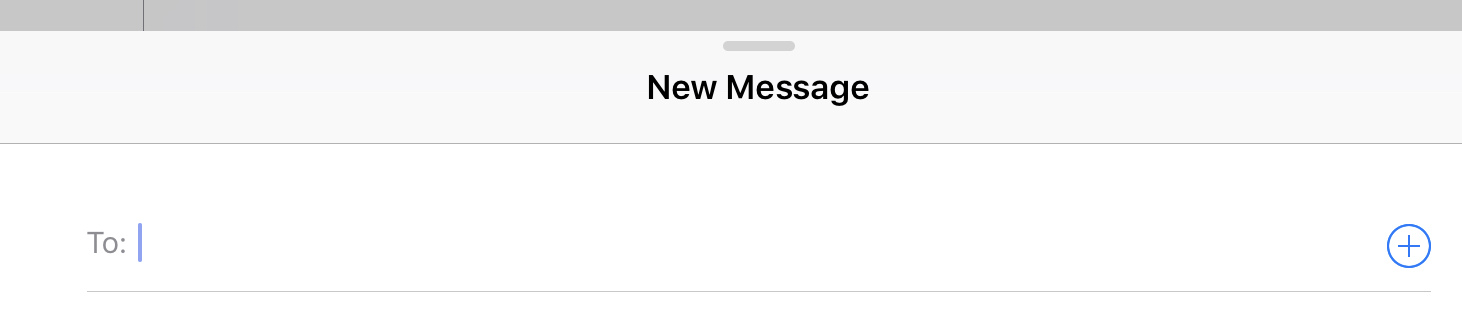
- Start a new email in the Apple Mail app
- In the To: box you will see a blue circle with a cross in it
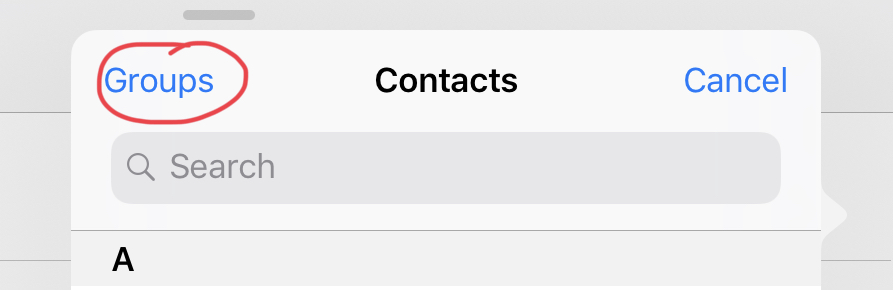
- Press Groups in the top left
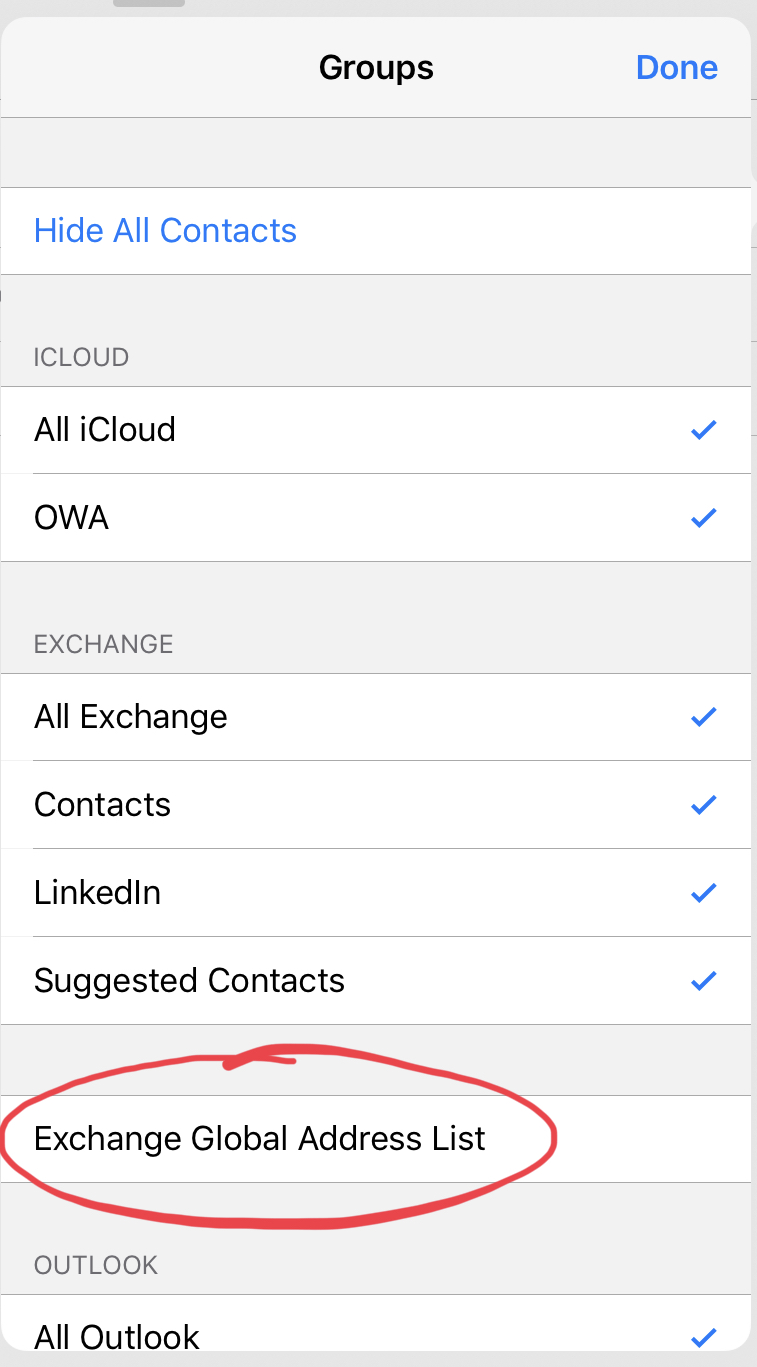
- Select Exchange Global Address List
- Enter the name of the person you are looking for and press enter on the screen or physical keyboard, for students in Comberton you can use the year they started and their first name as well, for example 16 John and press enter will reduce the list.
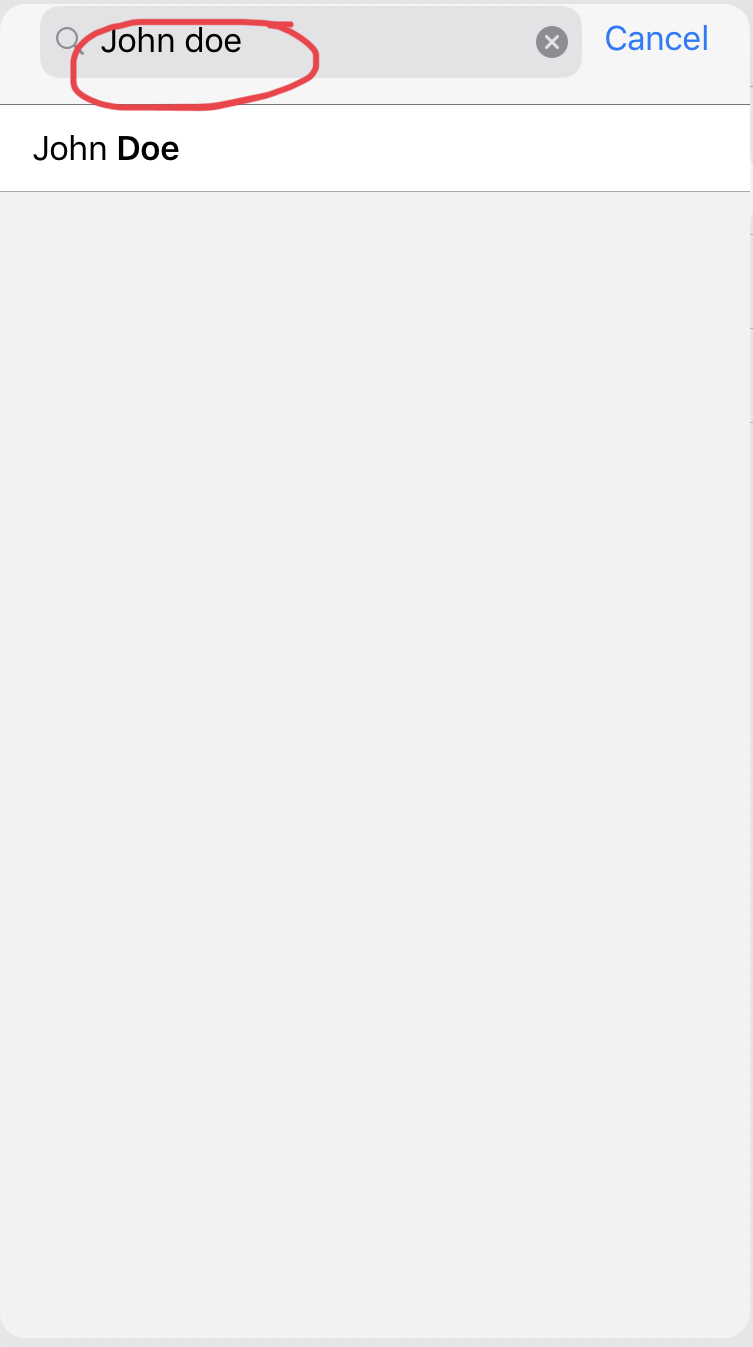
- You'll get a list of users depending on how specific you have been with the search
- Select the user you want and it should appear in the To address in your new email
Comments
0 comments
Please sign in to leave a comment.