
Software Center allows you to install a range of software that is not needed for every machine.
Some examples would be 7-Zip, Sticky Notes or AirServer.
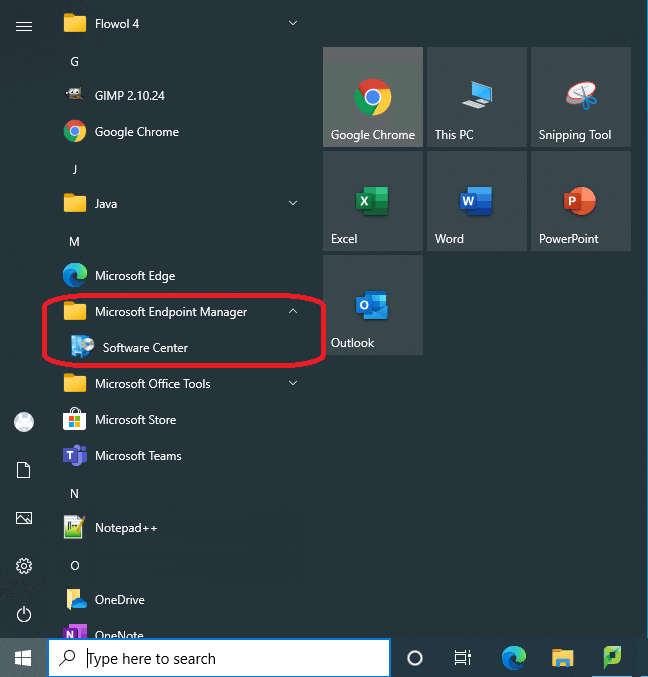
-Press the Start button
-Locate "Software Center" in the "Microsoft Endpoint Manager" folder
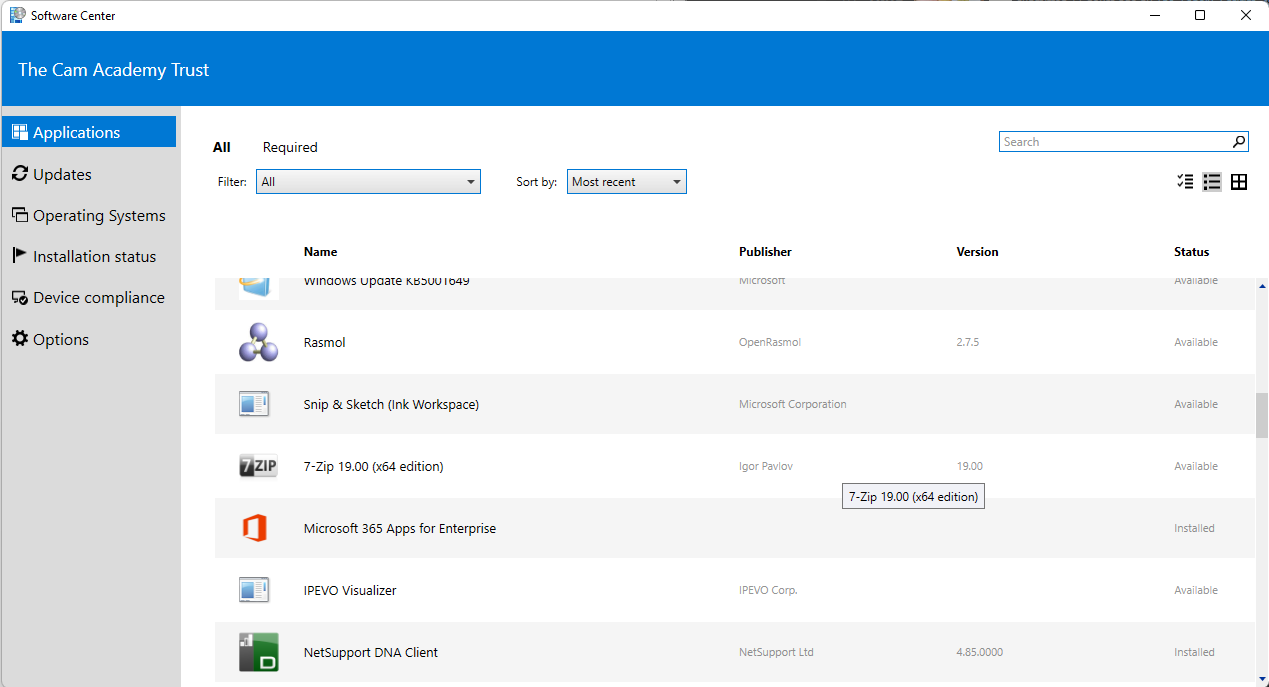
-You will then be faced with a list of Software that is either Available or Installed
-Click on the software you wish to install and press the "Install" Button
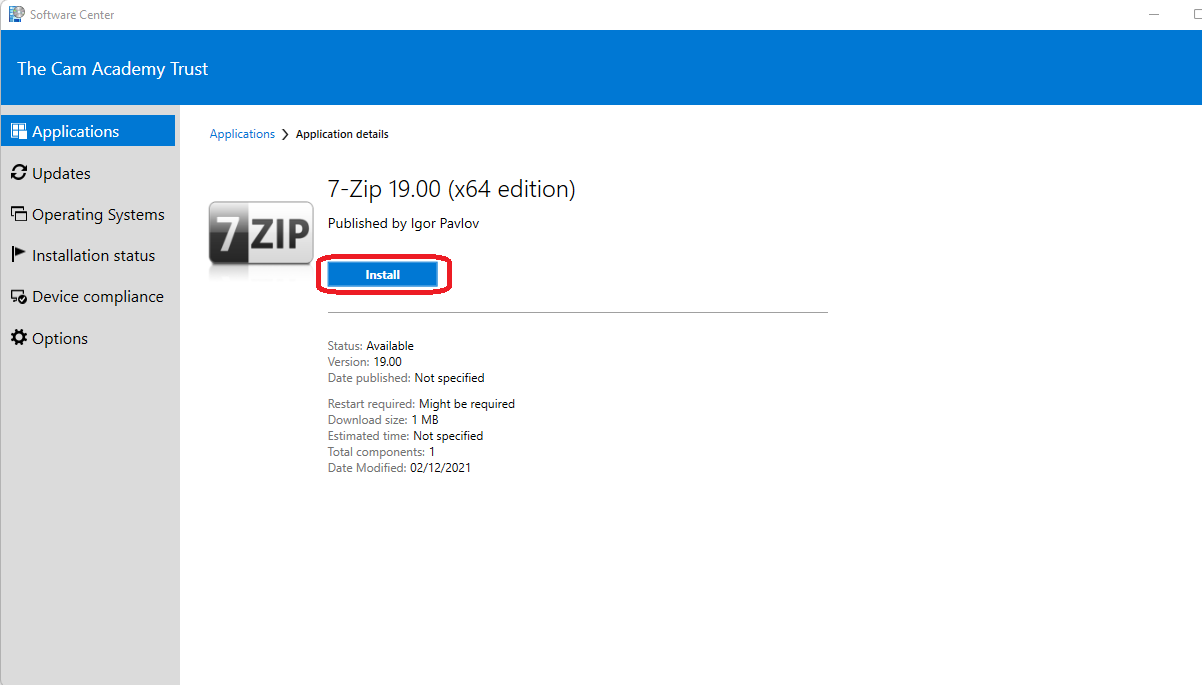
Depending on the software this might take a while to install.
Comments
0 comments
Please sign in to leave a comment.