
Introduction
The Barracuda Outlook add-in is only available using Outlook on the Web and Outlook for Windows, however using this feature will allow smarter reporting and future blocking of unwanted messages when you are able to do so.
The Barracuda add-in also allows you to encrypt new emails with sensitive data in them, so you can send certain data using a more secure method.
How to...
First, select the email you’d like to report
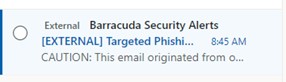
In the email preview window to the right, (where the forward, and reply buttons are) you’ll see the Message Actions icon, click this icon.

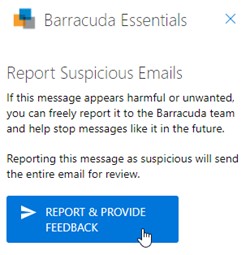
This will load the “Barracuda Essentials Message Actions” add-in. You should see “Report Suspicious Emails” as below. (If you don’t select the email you want to report again.)
Select “Report & Provide Feedback”.
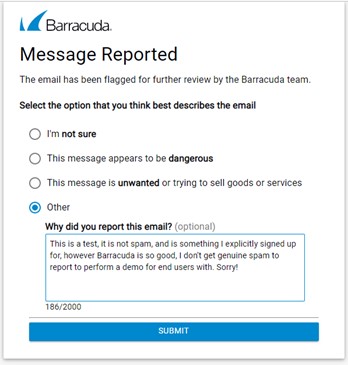
A Web page will then load, so you can state why you’re reporting it. Enter your reason and submit.
Comments
0 comments
Please sign in to leave a comment.