
Warning
If you setup any quarantine rules it will be your responsibility to manage these. Any globally set rules will still apply, and will override your own rules if necessary.
Please also ensure you have read and understand the below KB article as well:
https://catrust.zendesk.com/hc/en-us/articles/6048227463453-Quarantine-Summary-Emails
How to setup and manage personal quarantine rules
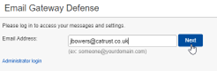
Go to https://ess.uk.barracudanetworks.com/ and login using your work email address, and press Next
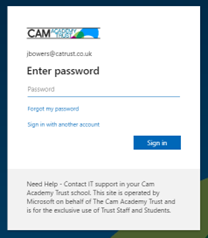
You’ll then be asked to sign in with your Microsoft Account (if working remotely, you may be asked to approve the sign in with MFA).
Once logged in, go to Settings > Sender Policy.

Under "Sender" type in the sender or domain you'd like to add to the quarantine, and (optional) add a Comment to remind you why they're added > Select "Add" and wait for the page to refresh.
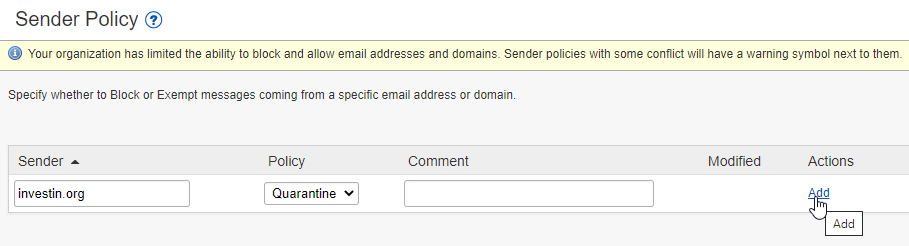
Please note: Any global policies that conflict with your quarantine rule will override your personal rule. This interface will warn you if this is the case. Please raise a ticket with support@catrust.co.uk if this happens.
Comments
0 comments
Please sign in to leave a comment.