
Outlook Desktop:
- Open Outlook and start a new email.
- Click "Options"
- Click "From"
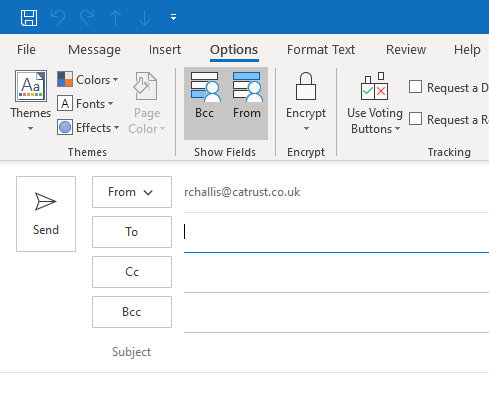
- You will now see a drop down box to the left of your email address.
- Click "Other Email Address..."
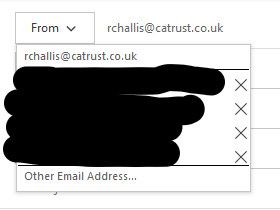
- Enter the full email address of the email address you would like to send as.
- Click OK.
- Click the "From" box again and select the email you would like to send as.
- Compose your email and click Send.
Outlook Web App:
- Create a new email
- Click the three dots (...).
- Click "Show From"
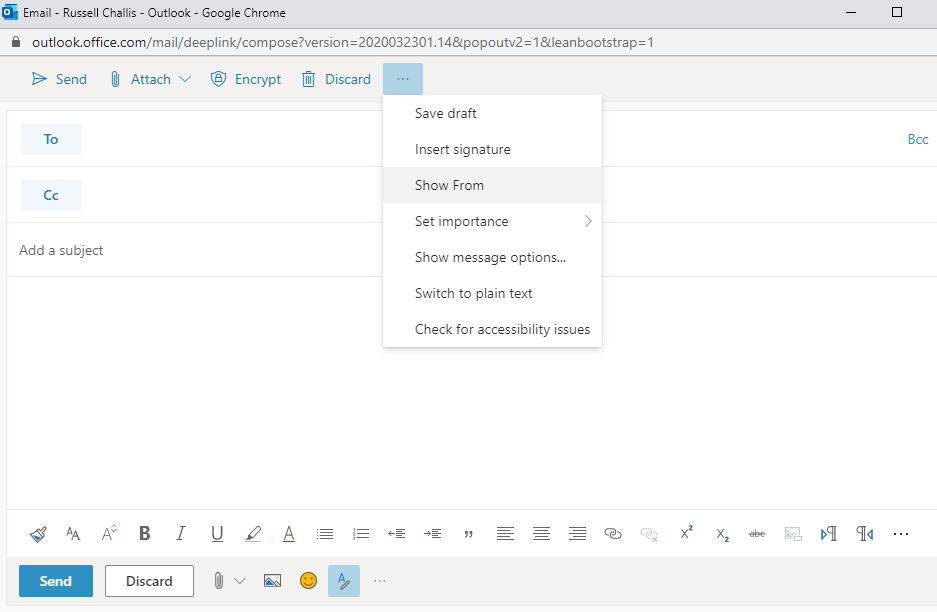
- Click the blue "From" button.
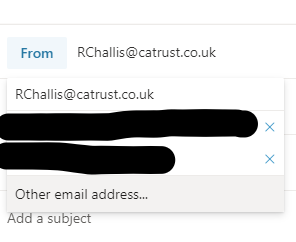
- Click "Other email address..."
- Type the full email address of the email you would like to send as.
- Compose your email and click "Send"
Comments
0 comments
Please sign in to leave a comment.