
Use this guide to access a meeting room in Outlook.
Open up the Calendar view

Add a calendar from the address book by right clicking Shared Calendars, going to Add Calendar, then over to From Room List...
Search for the meeting room in the window that pops up. When the room you require has been displayed, double click the entry, which should add it into the field below.
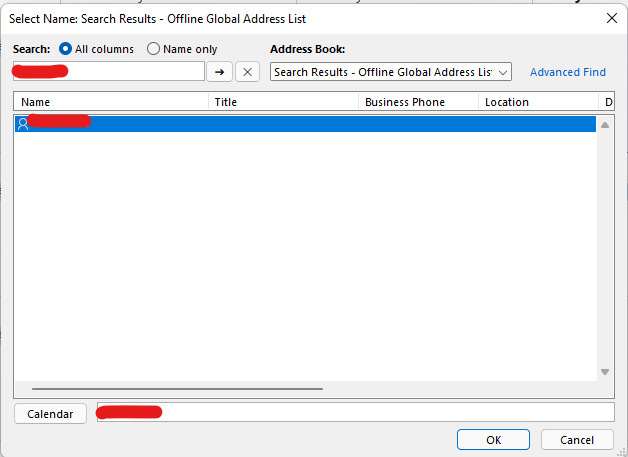
Click OK to exit the window, at which point the room will be added to Outlook under Shared Calendars.
Comments
0 comments
Please sign in to leave a comment.